 Koutuxia
01Key feature
Full-resolution Smart Edges
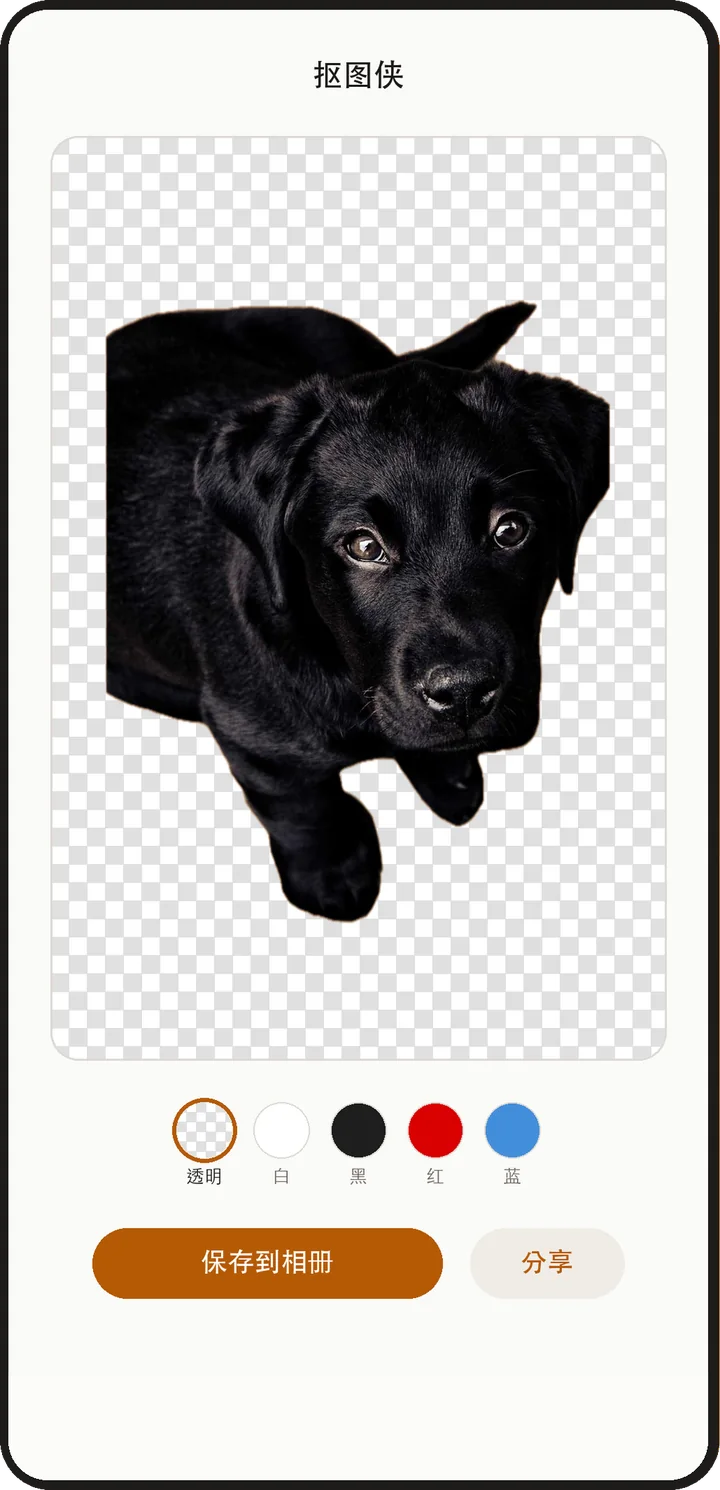
At export, the mask follows detail in the original photo for closer hair, fur and outline alignment.

On-device image workspace
Lift the subject automatically, then finish the details with full-resolution Smart Edges, Fix Background and a precise refine brush. Transparent cutouts, white backgrounds and square product shots stay in one workflow.
Free · No account · No ads · Requires iOS / iPadOS 17 or later
New in 1.14
Content packs
Export
Full-resolution edges
Version 1.14
Automatic detection is only the start. You can refine edges and clear leftover background yourself, and the full product-photo and batch workflow is still there.
At export, the mask follows detail in the original photo for closer hair, fur and outline alignment.
When detection leaves background behind, tap the area to clear it; separated areas of the same colour can be fixed with another tap.
Erase and restore strokes stay final, with a magnifier, undo, redo and Restore Automatic Edges when you want to start again.
Set a white background, square canvas, subject size and position, edge treatment and shadow, with square exports from 800 to 1600 pixels.
Apply one background, size, format, placement and shadow to a batch; stop, resume and retry only the items that fail.
PNG keeps transparency and JPG fills an effective background. Save to Photos or send the result through the system share sheet.
iOS on-device app
The iOS app uses Apple’s native image frameworks on the device and needs no account. The app has no networking code and does not upload your photos. The website’s Pro cloud mode is a separate processing path.
Web version
The web version’s free mode runs locally in the browser. For difficult edges, Pro cloud mode sends the image to Replicate for higher-precision processing. Both are separate from the on-device iOS app.
Open the web versionThe iOS app is available on the App Store in mainland China, the US, Japan, Hong Kong, Taiwan and other regions. A HarmonyOS version for phones running HarmonyOS 5.0 or later is on Huawei AppGallery. See the HarmonyOS version →